Transfer online items
Use the com|CONNECT Online Item Upload Wizard to transfer new online items to the sales channels or to update existing ones. Select the items in the online item list, or start the upload wizard directly from the online item card for the item shown.
Items > Online Items
Select which online items to transfer or update (or all of them).
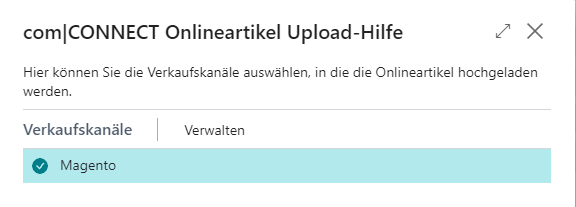
Select the sales channels to update.
In the item preview, check which items will be transferred.
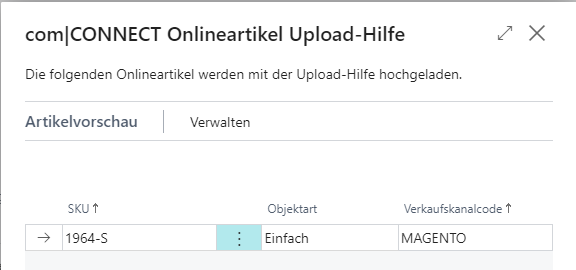
Items for which the selected action isn't valid aren't shown. Example: Of two selected items, only one is new. If you choose the Creation action, the other item is hidden from the item preview automatically.
Choose Finish. The creation or update is started.
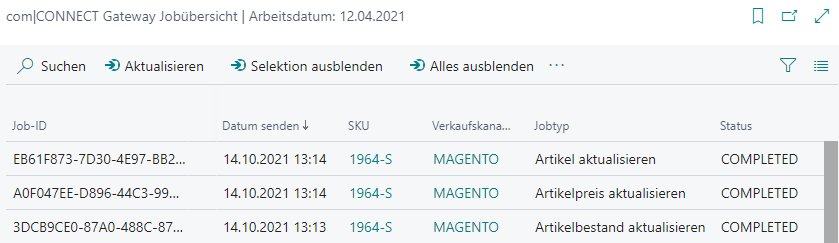
Optionally, open the com|CONNECT Gateway Job List afterward to check the status of the transfer.